Motors running backwards? Press arrow and carriage goes opposite. Not a defect โ fix it in 2 minutes by changing one number.
It happens often: press arrow and the carriage goes the opposite direction. It's not a defect โ it's just the motor rotation direction that needs to be reversed.
In GRBL (the firmware of our machines) this is controlled by parameter $3. You can change it in two ways:
It's not a mistake. It's designed this way โ so images are cut straight as you see them on screen.
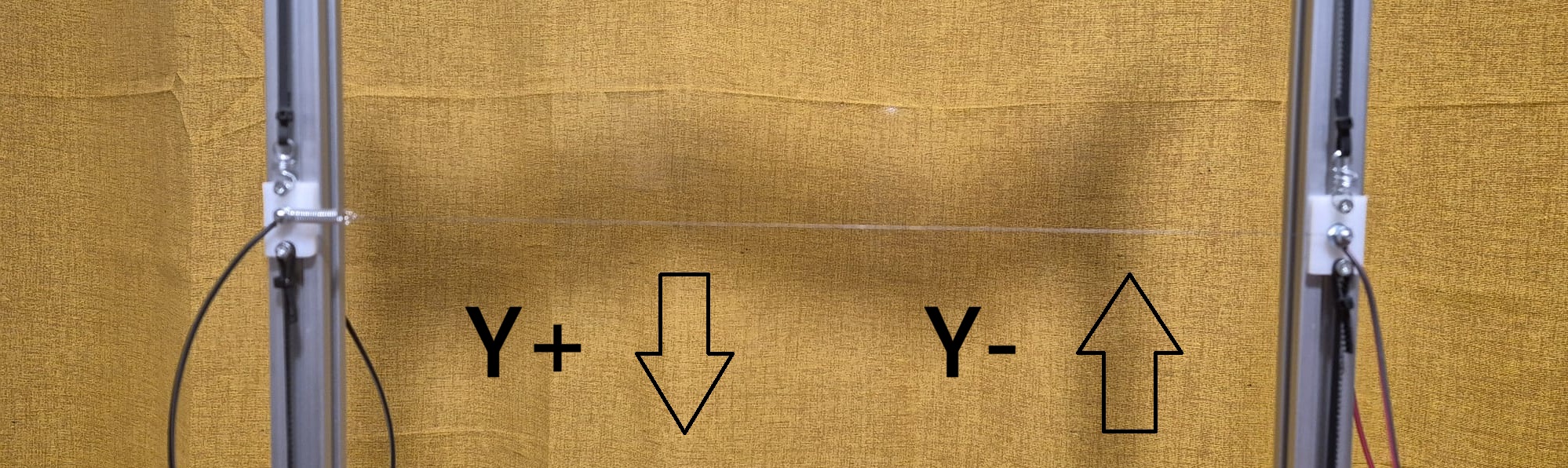
So if on your machine:
๐ง Almost all new customers think up arrow (Y+) should go up, but on CostyCNC it's the opposite: up arrow (Y+) = DOWN!
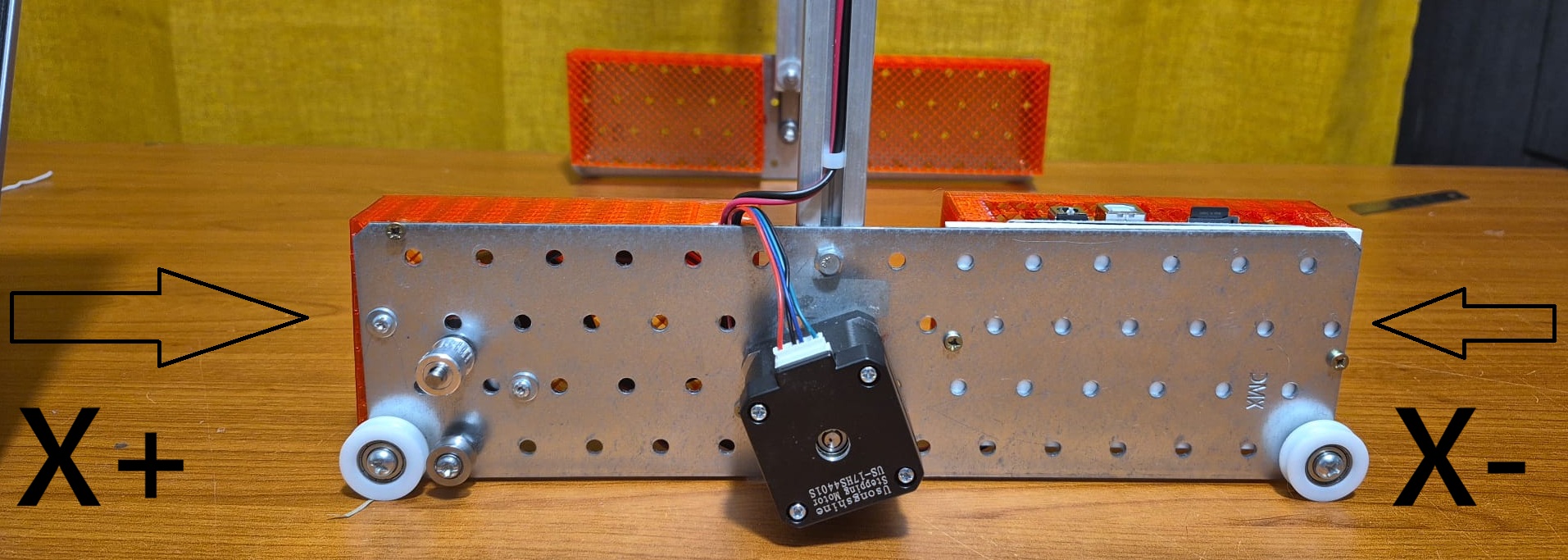
For the X axis instead:
With the machine already connected to WiFi and WebUI open in your browser:
In the top menu, click on "Control" โ that's where manual commands and the console are located.
Once in the Control window, scroll to the bottom of the page โ you'll find:
In the text box, type $3 and click "Send".
In the top window you'll see the response: a number (0, 1, 2, or 3). Note it down.
In the same text box, type the command you found (e.g., $3=1) and click "Send".
The top window responds with ok โ done.
Alternate movements (up arrow (Y+) โ down arrow (Y-) โ up arrow (Y+) โ down arrow (Y-)) to see if they now move as described at the beginning.
Find your current value and what you want to fix:
| If you have... | And you want to fix... | Type |
|---|---|---|
| $3=0 | right arrow (X+) goes left | $3=1 |
| $3=0 | up arrow (Y+) goes up (instead of down) | $3=2 |
| $3=0 | both axes are reversed | $3=3 |
| $3=1 | right arrow (X+) goes left | $3=0 |
| $3=1 | up arrow (Y+) goes up (instead of down) | $3=3 |
| $3=1 | both axes are reversed | $3=2 |
| $3=2 | right arrow (X+) goes left | $3=3 |
| $3=2 | up arrow (Y+) goes up (instead of down) | $3=0 |
| $3=2 | both axes are reversed | $3=1 |
| $3=3 | right arrow (X+) goes left | $3=2 |
| $3=3 | up arrow (Y+) goes up (instead of down) | $3=1 |
| $3=3 | both axes are reversed | $3=0 |
Type the command you found (e.g., $3=1) and press Enter. The machine responds with ok.
After changing the parameter, test like this:
๐ฏ Alternate movements several times:
Do the same for X: right arrow (X+) and left arrow (X-).
Why? The first movement after the change can sometimes seem the same. Alternating helps you immediately understand the new direction.
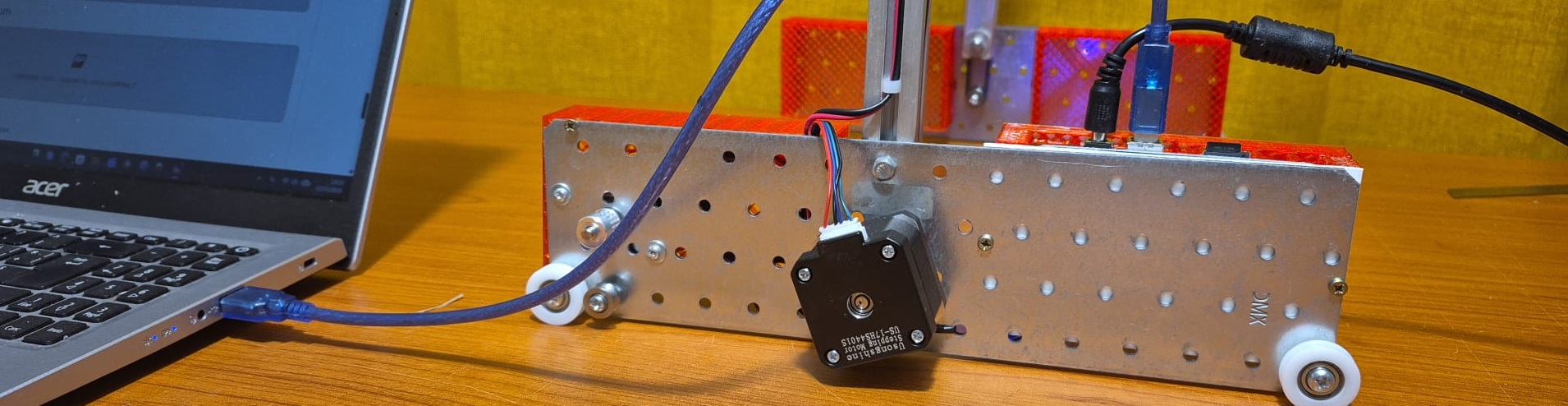
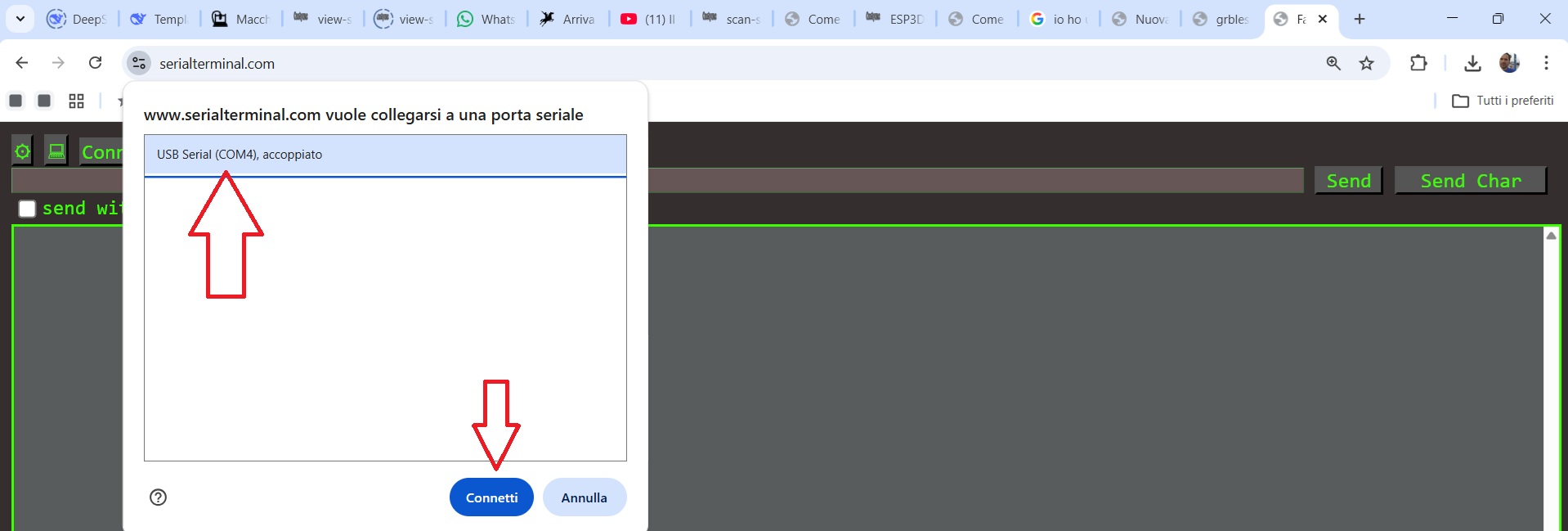
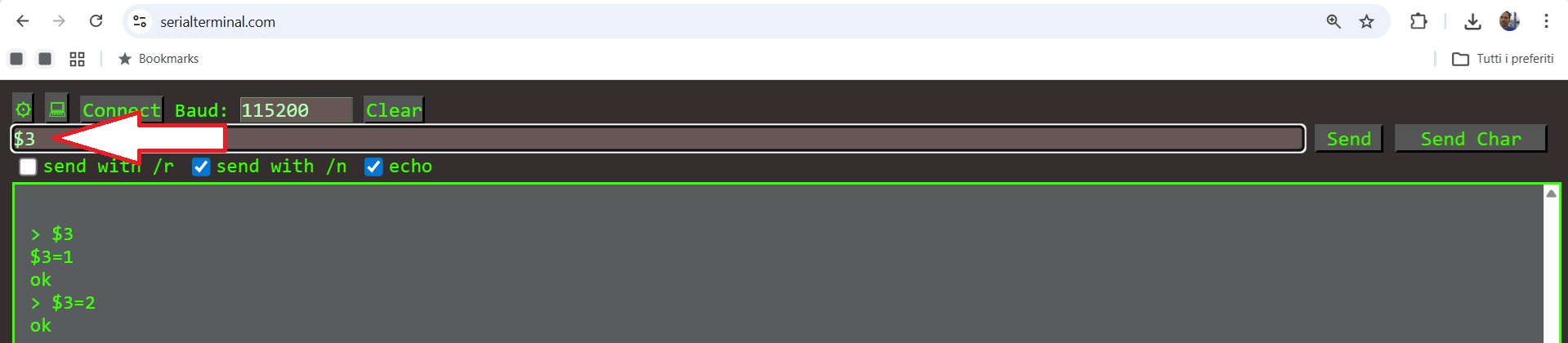
If you don't have WiFi, use the USB cable and SerialTerminal.com.
$3 to read, $3=1 (or 2 or 3) to change.
The correct command is $3=1 โ with the dollar sign in front.
Alternate up arrow (Y+) and down arrow (Y-) several times. The first movement can be deceiving.
On CostyCNC up arrow (Y+) must go down. If it goes up, you need to change $3.