Dimensions & DPI
G-code
Port connection
⚠ If it does not work: reload page, reconnect USB or change baud rate
Send to machine
Load G-code
Manual movements
Canvas SVG Preview
MKS Files
Analytics
Example images for cutting
Right-click image → Copy → Paste into G-code box using "Paste SVG" button
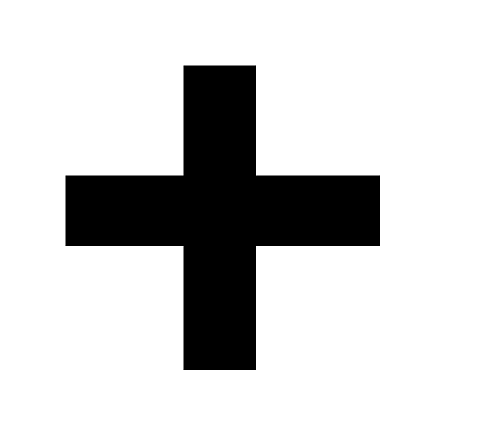
Test image to verify 90° alignment of the CNC.

Low complexity image for machine test.

Second low complexity image.

Horse — 47 cm h × 40 cm w. Good for advanced test.
Demo videos
▼ Click thumbnail to change video


My philosophy
"Selling these CNCs represents for me not only a source of income, but also an opportunity to grow and share my passion."
This is not a professional business in the strict sense, but a project that allows me to live comfortably, dedicate time to my customers and continue to experiment.
Thank you for being part of this adventure!
This is not a professional business in the strict sense, but a project that allows me to live comfortably, dedicate time to my customers and continue to experiment.
Thank you for being part of this adventure!