
How to Configure Speed and Step Settings on CostyCNC Machines (GRBL Firmware)
The travel speed, acceleration, and cutting resolution (steps/mm) of your CostyCNC foam cutter can be easily customized. These settings are managed by modifying the internal GRBL firmware configuration parameters using your control software or web interface.
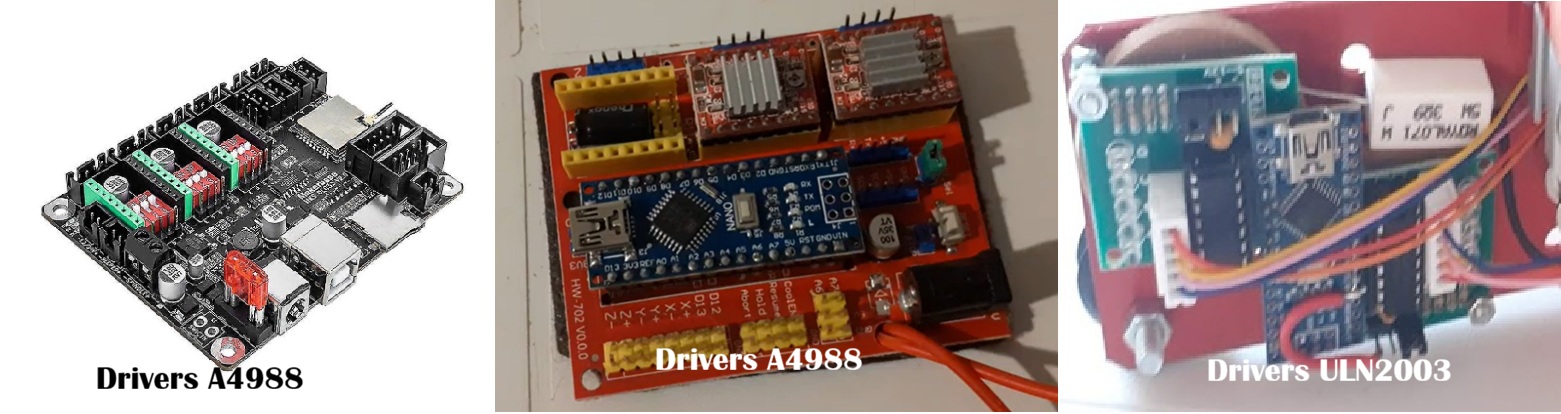
In foto: La scheda MKS-DLC32 con GRBL Shield v0.4 e vecchia scheda utilizzate sulle macchine Hobby,Mini,Media e XBig.
How to Modify the Machine Speed (GRBL v1.1 / MKS-DLC32)
This guide assumes you are connected to your CostyCNC machine via a browser-based G-code sender, the local Wi-Fi web interface, or standard control software.
Once connected, type $$ into the command input/edit box and click the "Send" button. This command prompts the motherboard to output its complete internal configuration register.

In foto: Digitazione del comando $$ nella console software per leggere i parametri interni.
To change the maximum movement and cutting speeds on modern CostyCNC models, you must adjust the following velocity parameters:
$110= X-axis maximum rate (mm/min)$111= Y-axis maximum rate (mm/min)
- For Higher Speeds: Set these parameters to a value greater than 150 (e.g., type
$110=200and send). Note: Setting the speed too high is not recommended. The stepper motors are optimized for precision hot-wire cutting; excessive values may cause the motors to stall, stutter, or lose positional steps. - For Lower Speeds: Set the parameters to a value lower than 150 (e.g.,
$110=100). This makes the CNC move slower, which is ideal for cutting very dense foam materials.
After sending any changes, it is always recommended to click "Disconnect" and then "Connect" to fully refresh the controller board.
---Configuring Axis Resolution: Step/mm Settings ($100, $101, and $102)
The steps-per-millimeter parameters define exactly how many electrical pulses the MKS-DLC32 board sends to the stepper motors to achieve a precise unit of real-world physical movement.
$100= X-axis steps/mm$101= Y-axis steps/mm$102= Z-axis steps/mm (Rotary Turn Table / Piatto Rotante)
Through extensive testing and calibration, the optimal baseline value for our current standard mechanical X/Y linear setups has been determined to be 340.
How it works: If you draw a 10 cm square in Microsoft Paint and convert it into G-code using our software, a parameter value of 340 ($100=340 and $101=340) ensures the machine cuts a precise physical square measuring exactly 10cm x 10cm.
Rotary Turn Table Configuration ($102)
For Media and XBig machines equipped with the GRBL Shield v0.4, the $102 parameter is dedicated to controlling the optional rotary turn table (piatto rotante). Modifying this value allows you to calibrate the rotation accuracy of your workpiece during 3D foam carving or 360-degree cutting operations. Adjusting this value scales the angular rotational movement higher or lower to ensure perfect symmetry.

In foto: Il modulo opzionale Piatto Rotante calibrato tramite il parametro $102.
Legacy Hardware Notice: Older GRBL v0.8 Parameters
If you are operating a legacy CostyCNC machine manufactured years ago, please be aware that older firmware builds like GRBL v0.8 (or older) use completely different parameter addresses compared to modern boards:
| Setting Function | Modern MKS-DLC32 + GRBL Shield v0.4 (GRBL 1.1+) | Legacy Boards (GRBL 0.8) |
|---|---|---|
| X-Axis Steps/mm | $100 |
$0 |
| Y-Axis Steps/mm | $101 |
$1 |
| Rotary Table (Z-Axis) | $102 |
Not Available |
| Max Speed / Velocity | $110 and $111 |
$4 |
All current production models shipped by CostyCNC utilize GRBL v1.1 or superior. If your machine is running older software and you encounter a jogging bug where manual movement buttons only move once per directional toggle, this is an old software interface glitch that does not affect actual cutting operations when a full G-code file is streamed.
---Need to Flash or Update Firmware?
Whether you want to upgrade an older machine to a newer configuration, re-flash your MKS-DLC32 controller, or retrieve the original legacy settings, we provide full support files.
You can find and download both the newest and legacy firmware variants directly from our official repository at: costycnc.it/firmware.
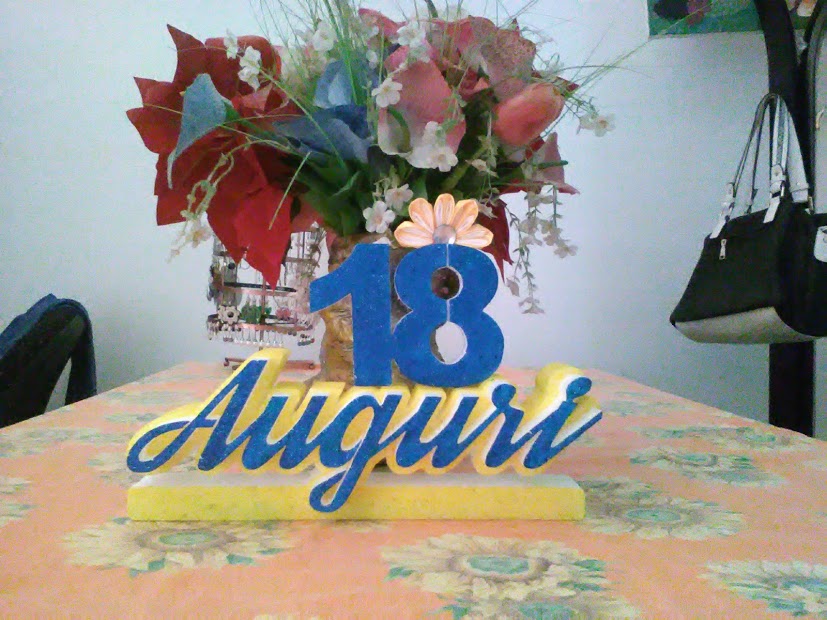
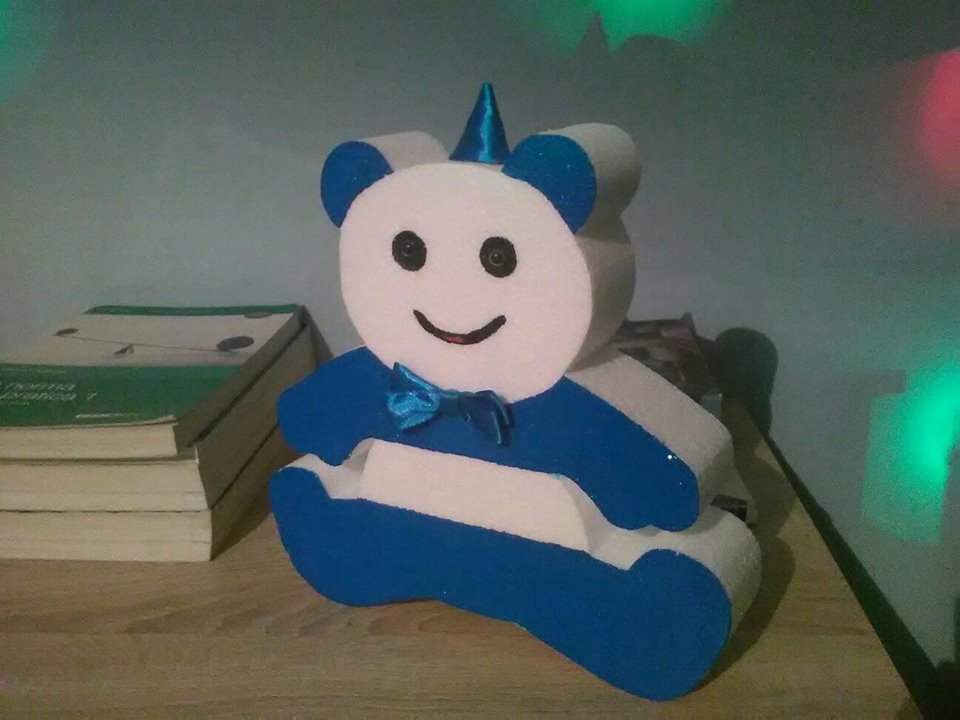
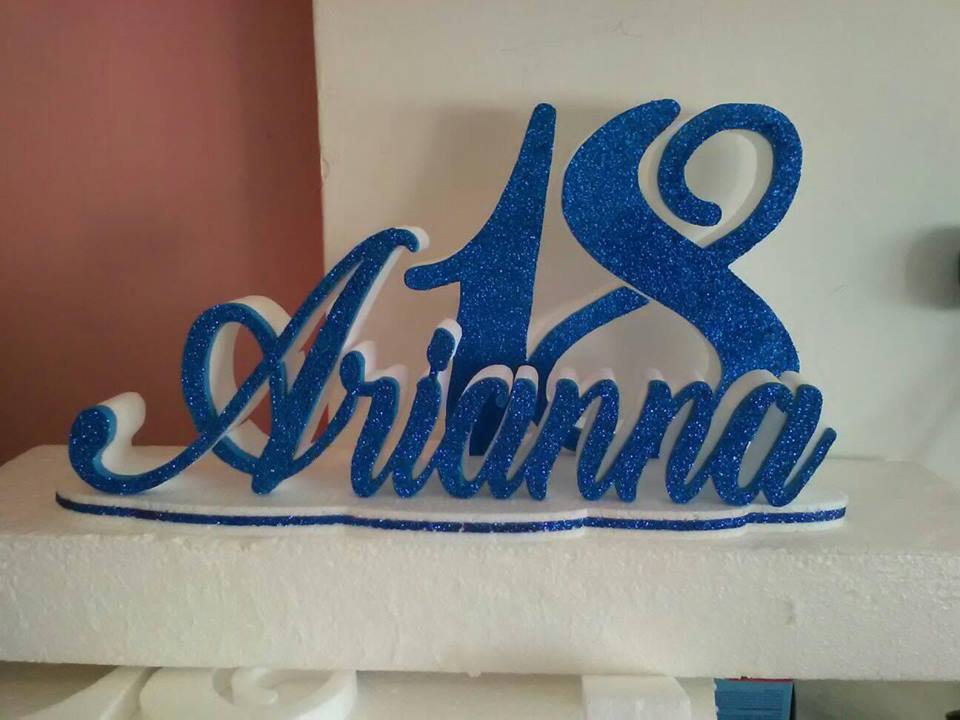
Tagliate da me
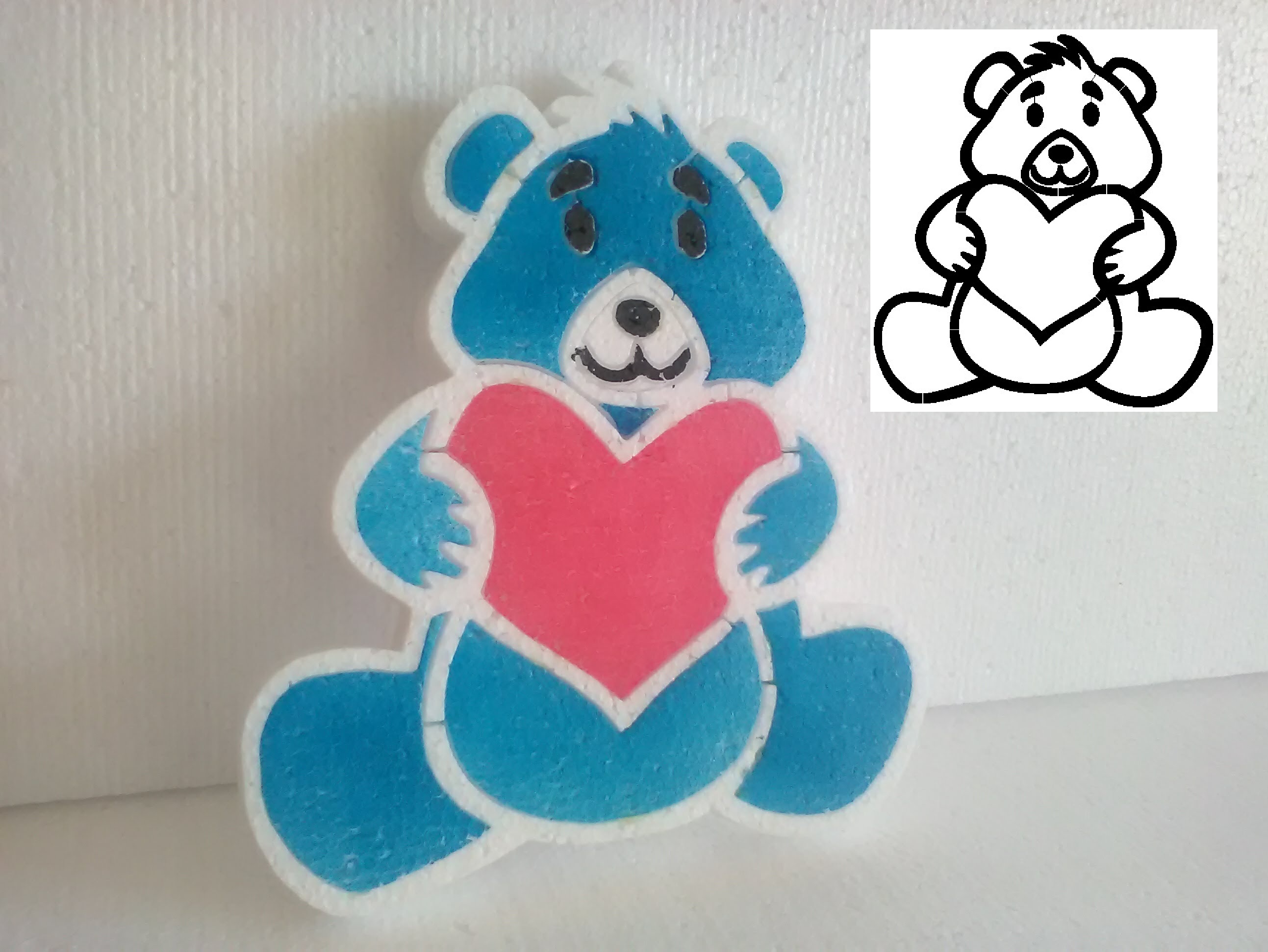
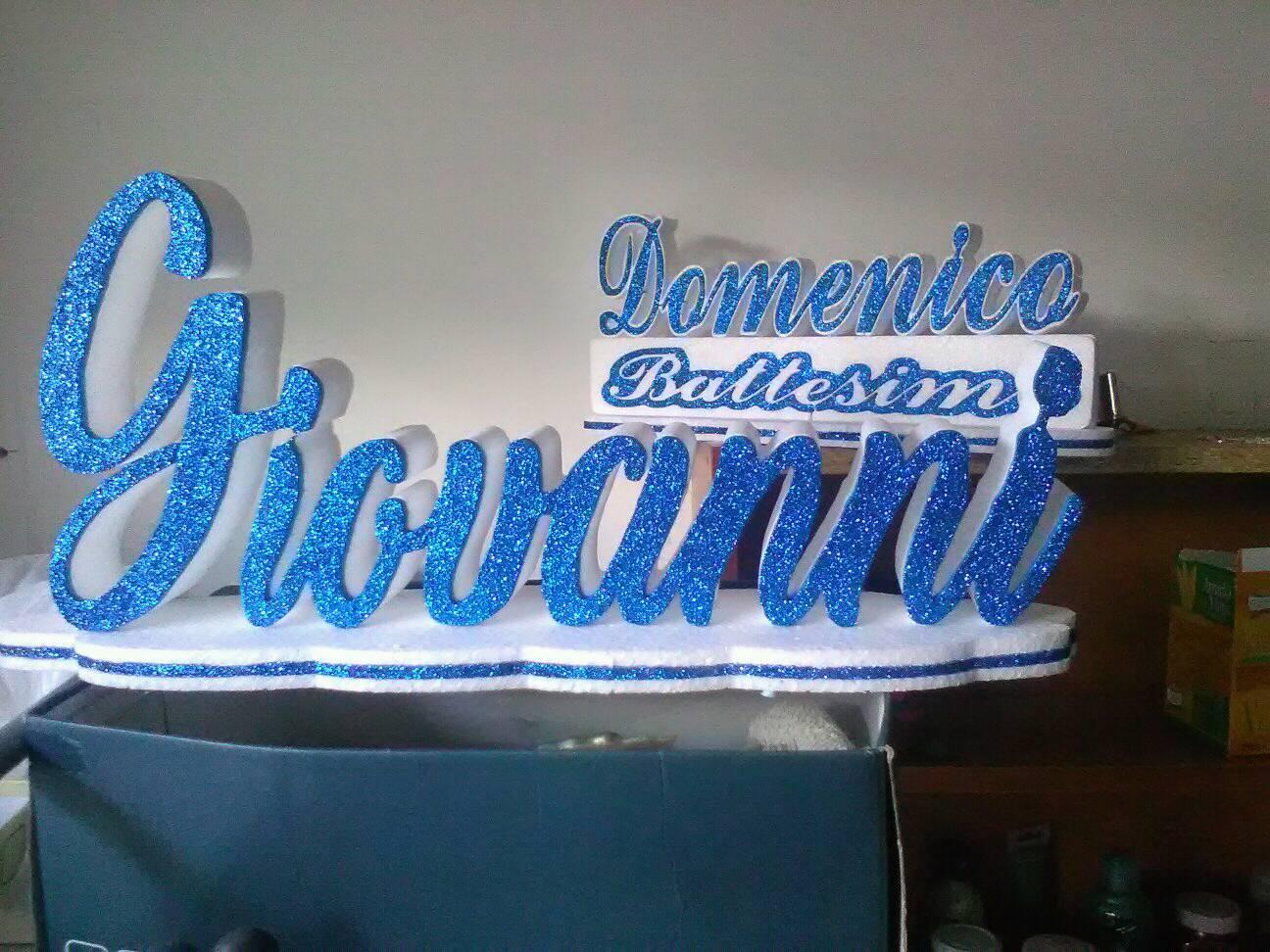
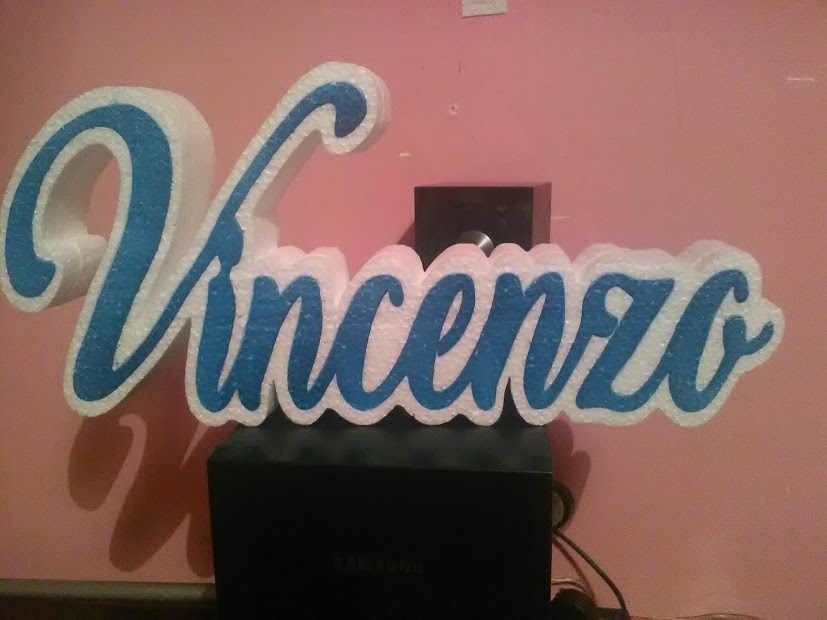
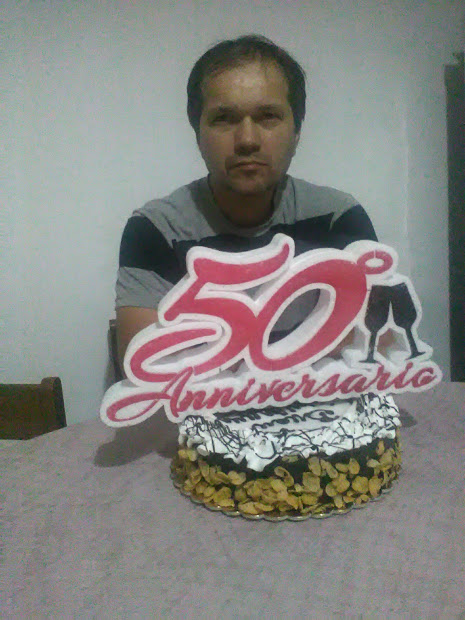
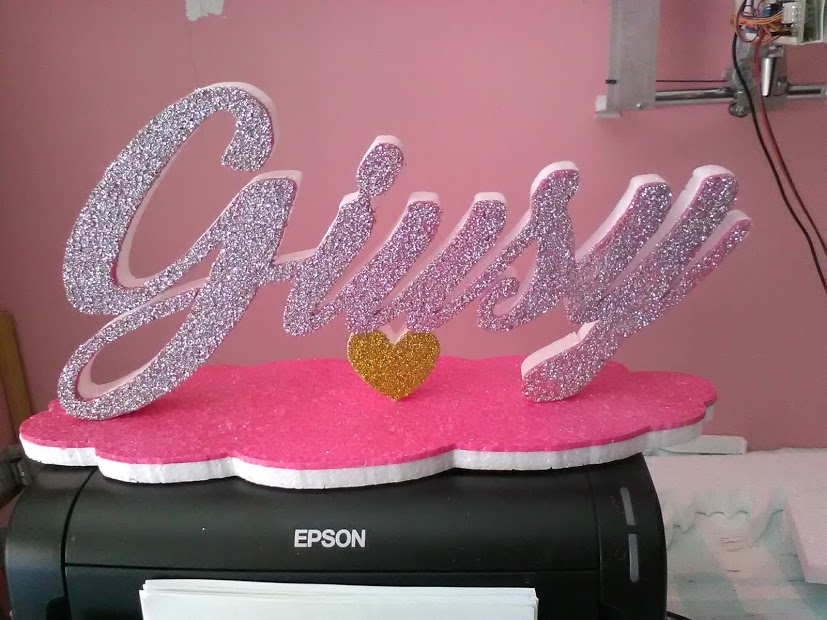
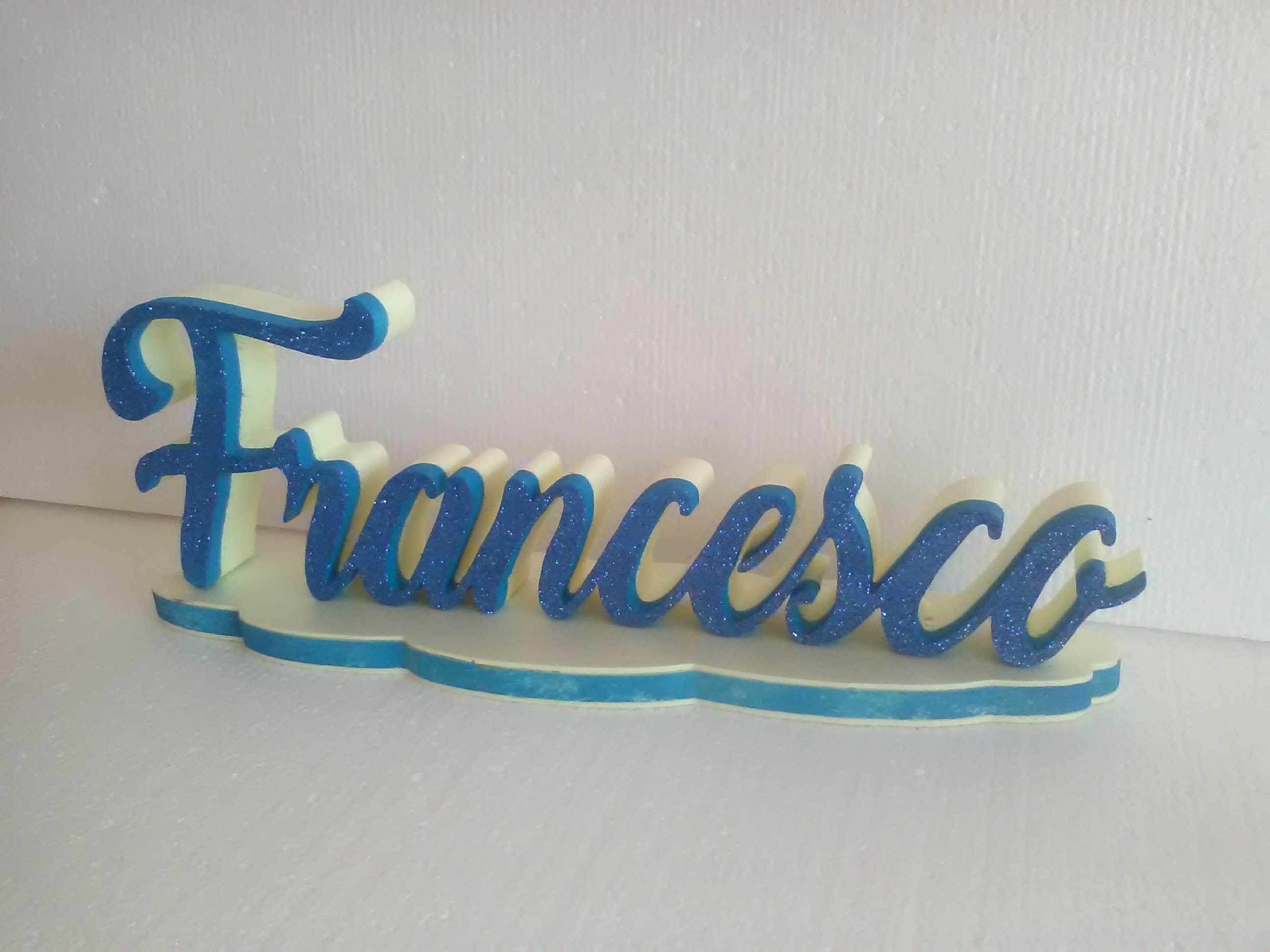
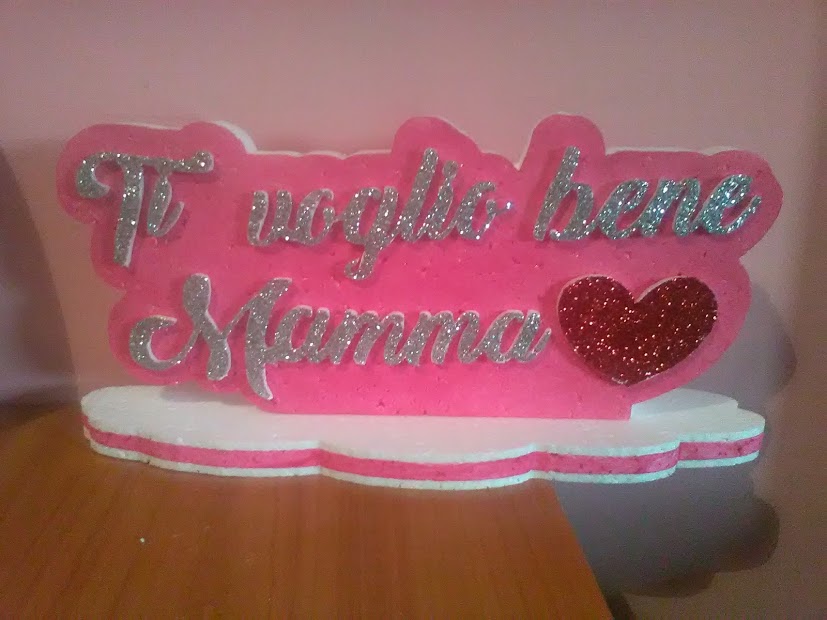

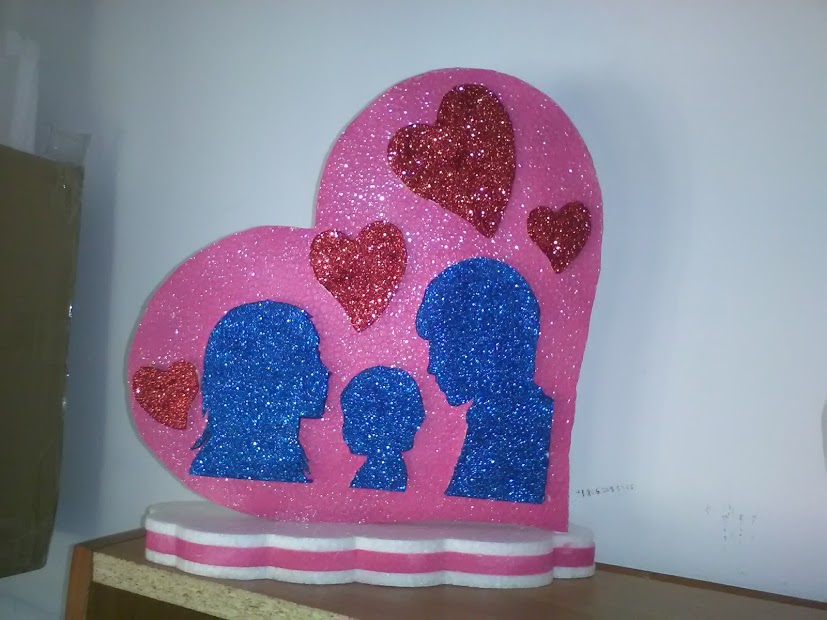

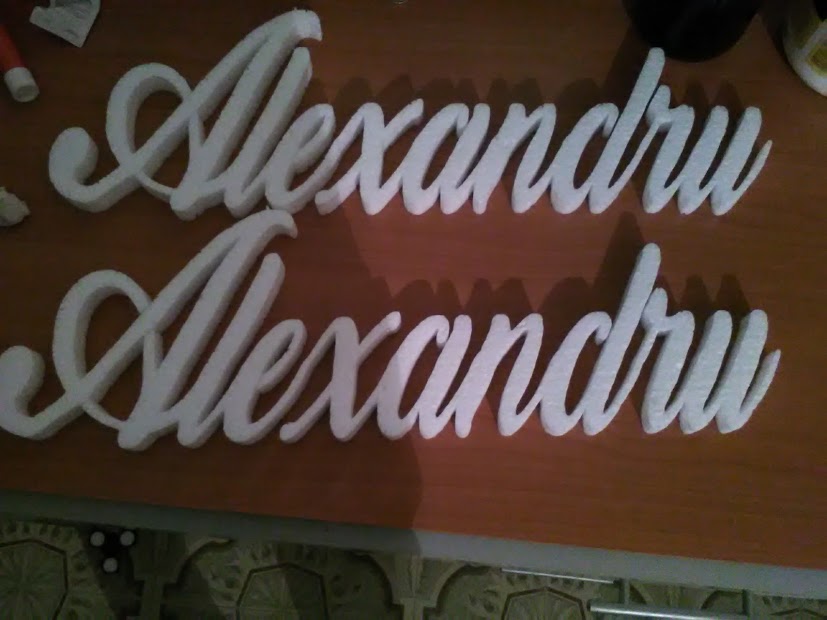
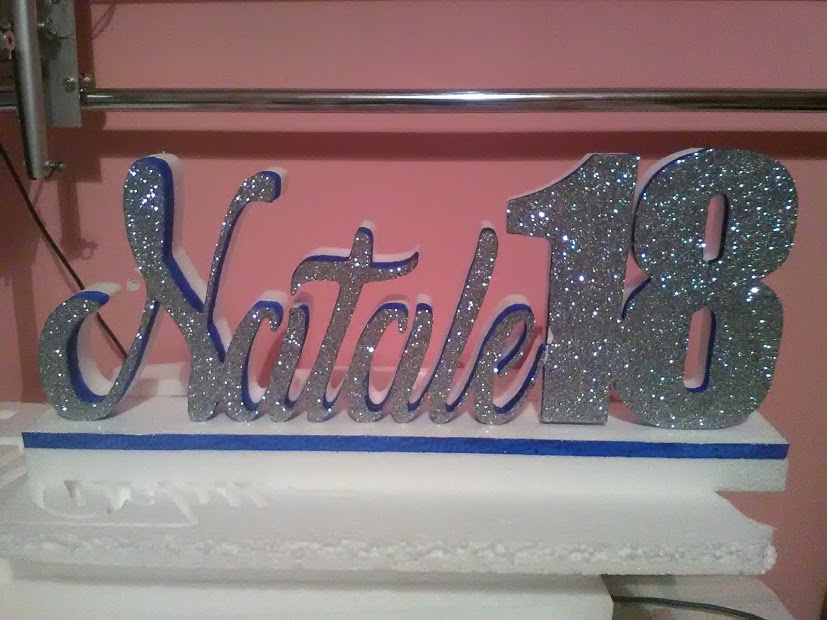
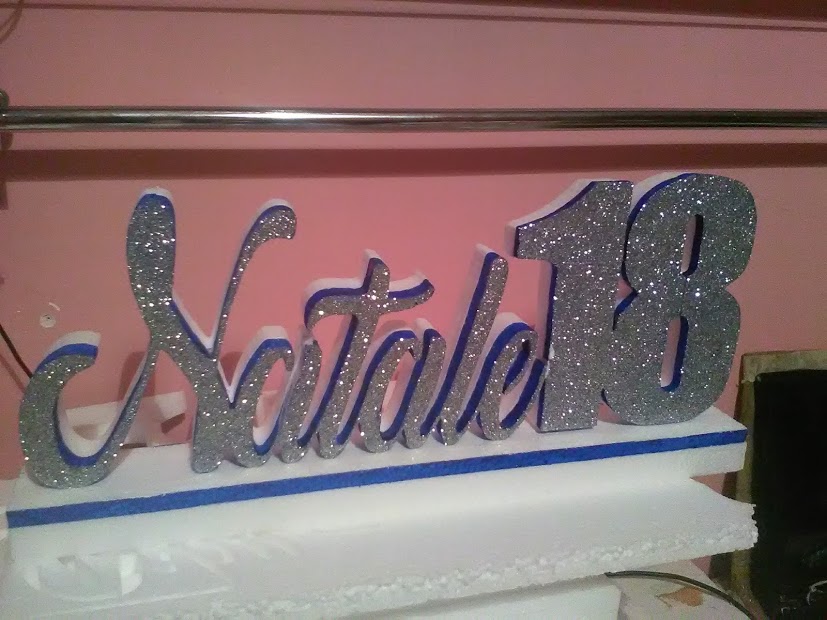
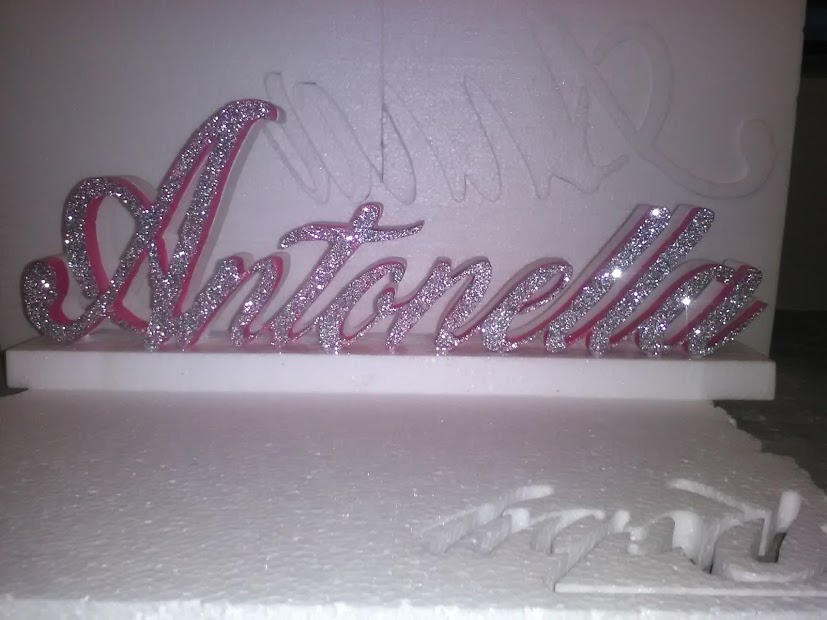
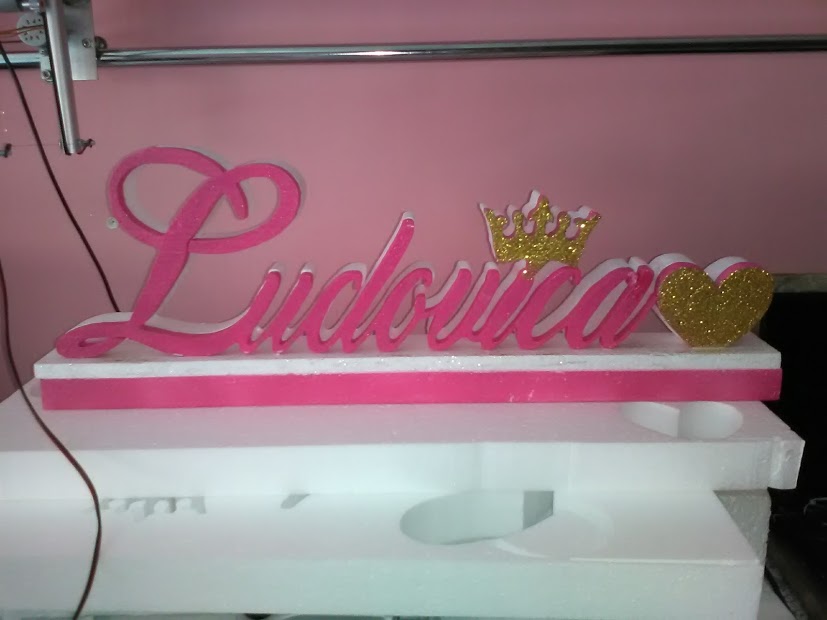
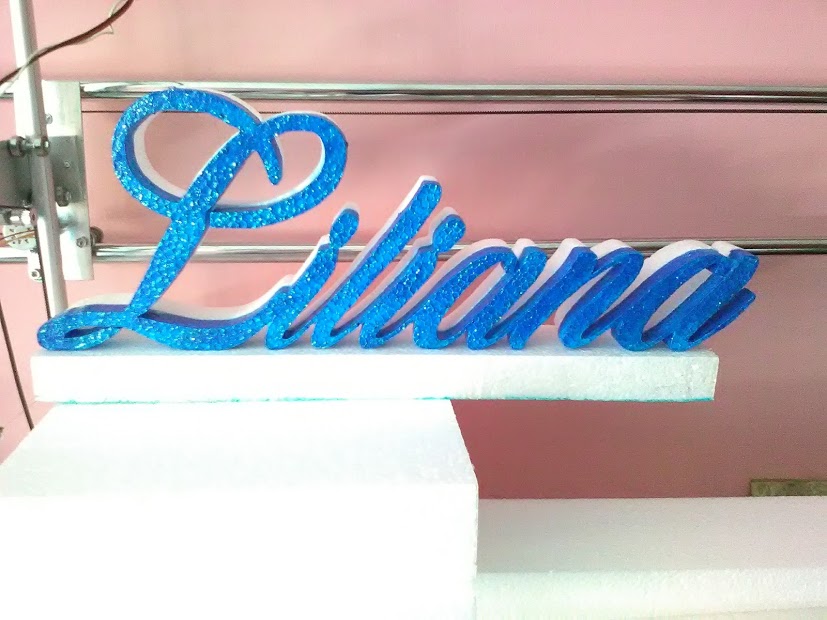
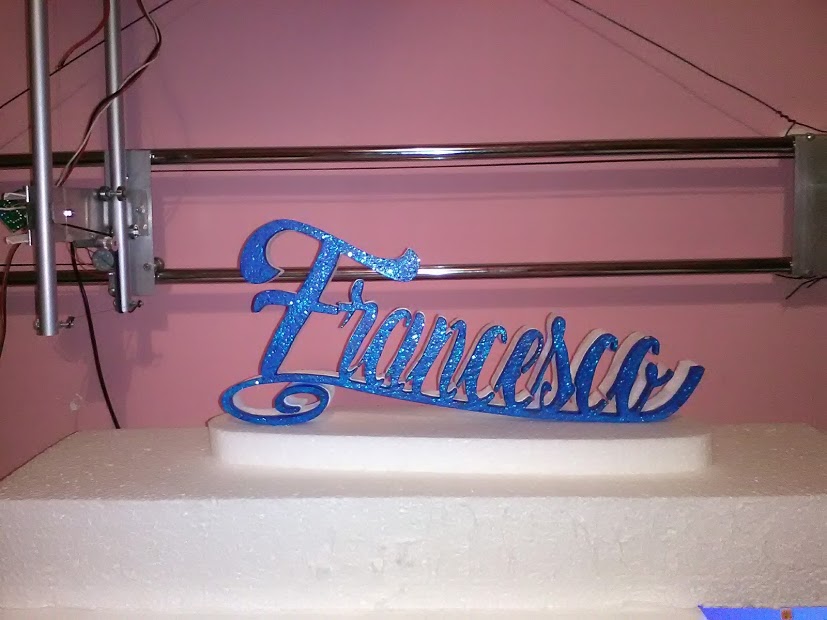


Click qui per vedere altri foto
Some of these shape you can find at costycnc site a subpage domenico, francesco,maria,... Also you can find in my youtube channel many videos about this cnc.costycnc youtube channel
http://embed.ly/code?url=http://costy35.blogspot.it/Programming Esp12 module Lolin wifi
Is many ways to acces via web in esp12 wifi module ... but i find a easy mode to comunicate with esp12 module. When esp12 is powered ... in wifi stations appear your wifi module .